Attend Training & Start Counting

Once signed in and entered into the new count you may need to select your desired area, either zip code or library location.

During Pre-Count users can practice for experience navigating the application and using the assessment or observation tally.

  • Scan QR Code

  • Join New Count

  • Select Region

  • Start Counting!


PIT Count - Sign Up!

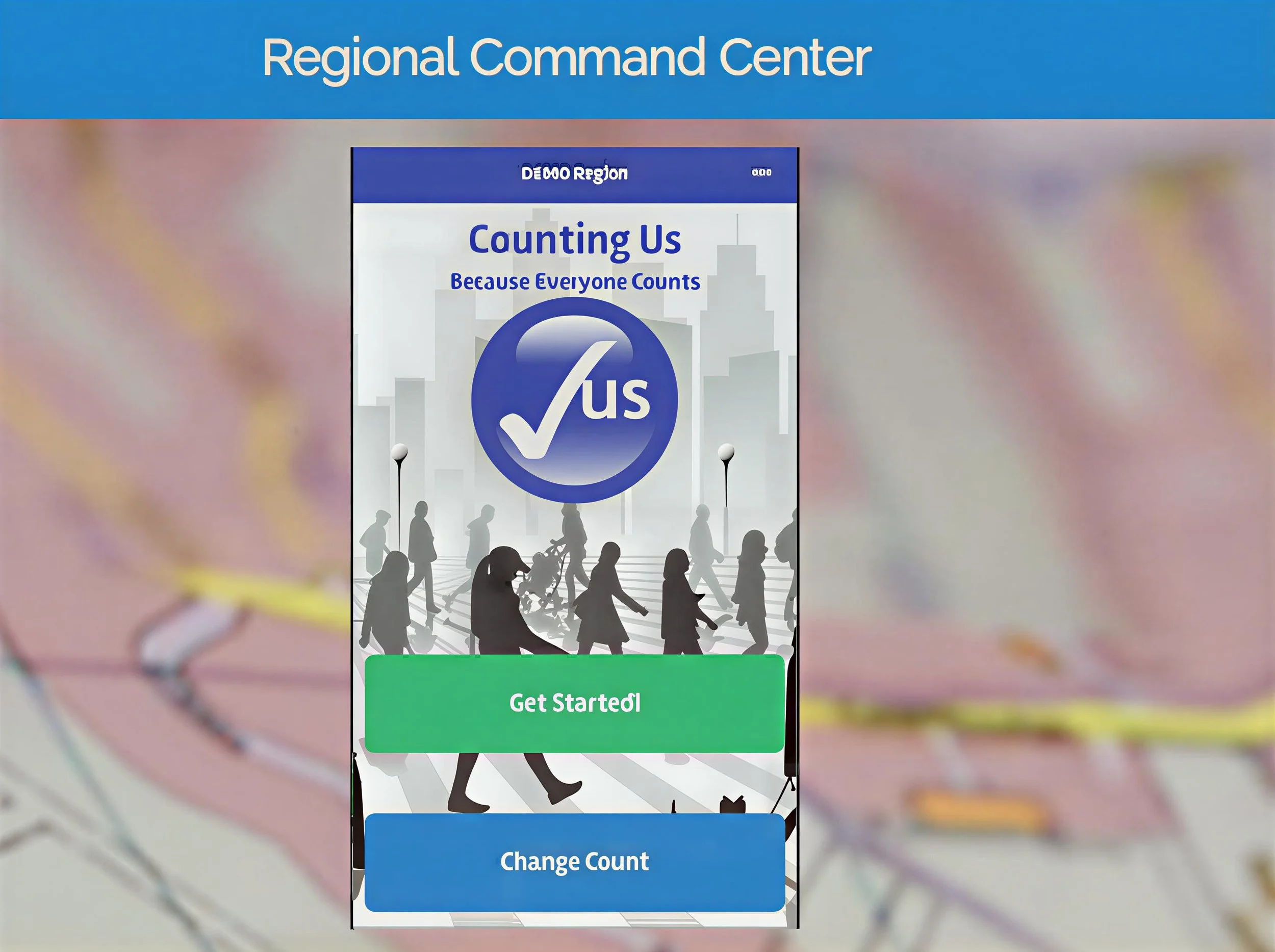
Download the Counting Us App by following the link below to register!

To enter the PIT count for 2026, select "Change Count" and "Join New Count"; Type “Toledo2026” for the code to enter. Please complete the registration by clicking the "Register" button. Thank you!

Please follow the link to fill out the registration form for access to the app: https://toledooh.pointintime.info/